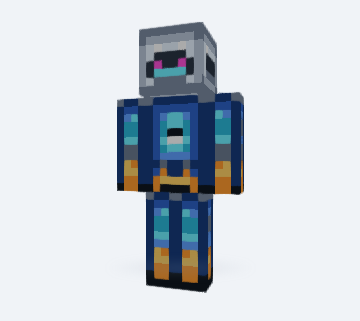
Silver Robot AstronautGenerated example
Create a skin from a template, photo, or idea. Preview it in 3D, edit every pixel, and download a 64×64 PNG.
Pick a character, then refine its 64×64 PNG in the editor.
Open this templateGenerate, edit and download in your browser.
Open the full pixel editor →These saved outputs are examples to inspect. They are not a promise of identical results for a new input.
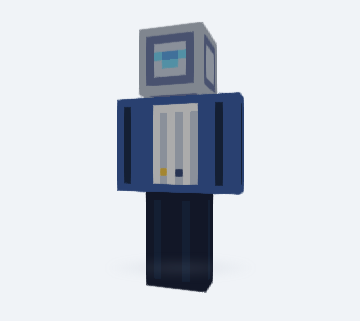
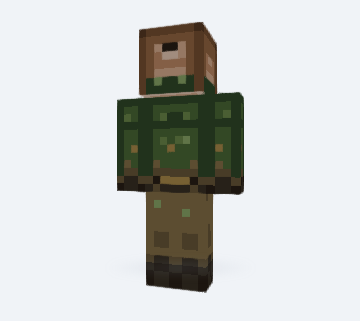
Pick an original template, open the photo workflow, or describe a character idea.
Check Classic or Slim proportions, rotate every side, then edit pixels in the browser.
Export a real 64×64 file and follow the Java or supported Bedrock import guide.
Use the Generator when you have a reference or idea. Use the Editor when you already have a PNG or want direct control over each face.
Template editing, 3D preview, and PNG download are free. Photo and text generation options are labeled in the creator, and the result should always be reviewed before import.
Yes. The editor exports a 64×64 PNG and keeps the pixel data suitable for another import check.
No. Photo generation creates a photo-inspired skin design. Review the visible details in 3D and edit the result before importing.
Yes. Choose Classic for 4-pixel arms or Slim for 3-pixel arms, then keep that choice through preview and import.
Yes. Open the result in the editor to use pencil, eraser, fill, picker, undo, redo, and layer controls.
Yes. Toggle Outer in the editor or viewer to inspect hats, hair edges, hoods, and sleeve details.


